
Accessing ECCAIRS2
Follow these steps to access the Reporting Portal to Report an Occurrence:
- Go to E2 Central Hub homepage.
- Click on the 'Report an Occurrence' banner.

You will be redirected to the Reporting Portal homepage.
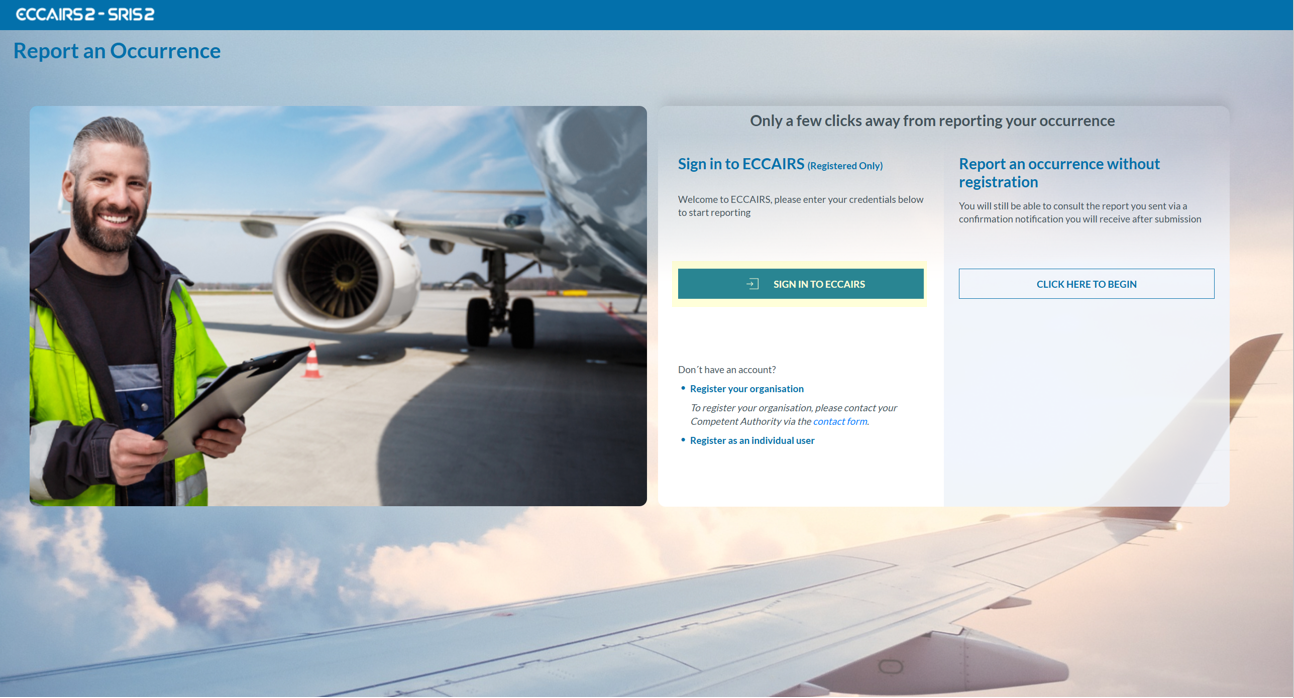
You can reportaccess anthe occurrenceECCAIRS 2 Web Application the by either:
If you do not yet have an account, please choose one of the two options highlighted in blue at the bottom:
These options will guide you through the appropriate registration process before submitting your report.
When submittingcreate a reportnew on behalf of your organisation, please first check whether the organisation is already registered in the system. If so, the report must be submitted using the organisation’s official account, rather than an individual or unregistered profile.one.
If you prefer to report anonymously for any reason, you may do so without using the organisation’s account. Otherwise, the standard and recommended method is to submit via your organisation’s registered profile