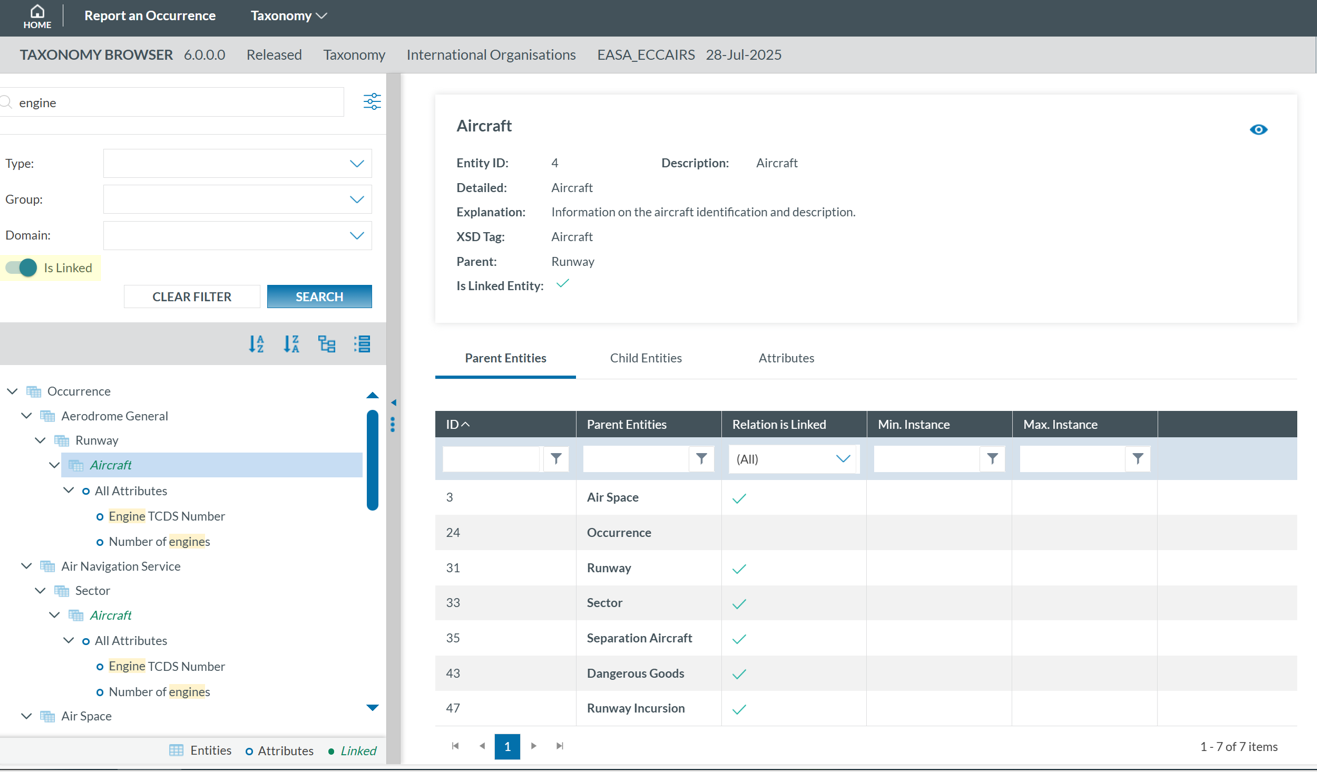
Search
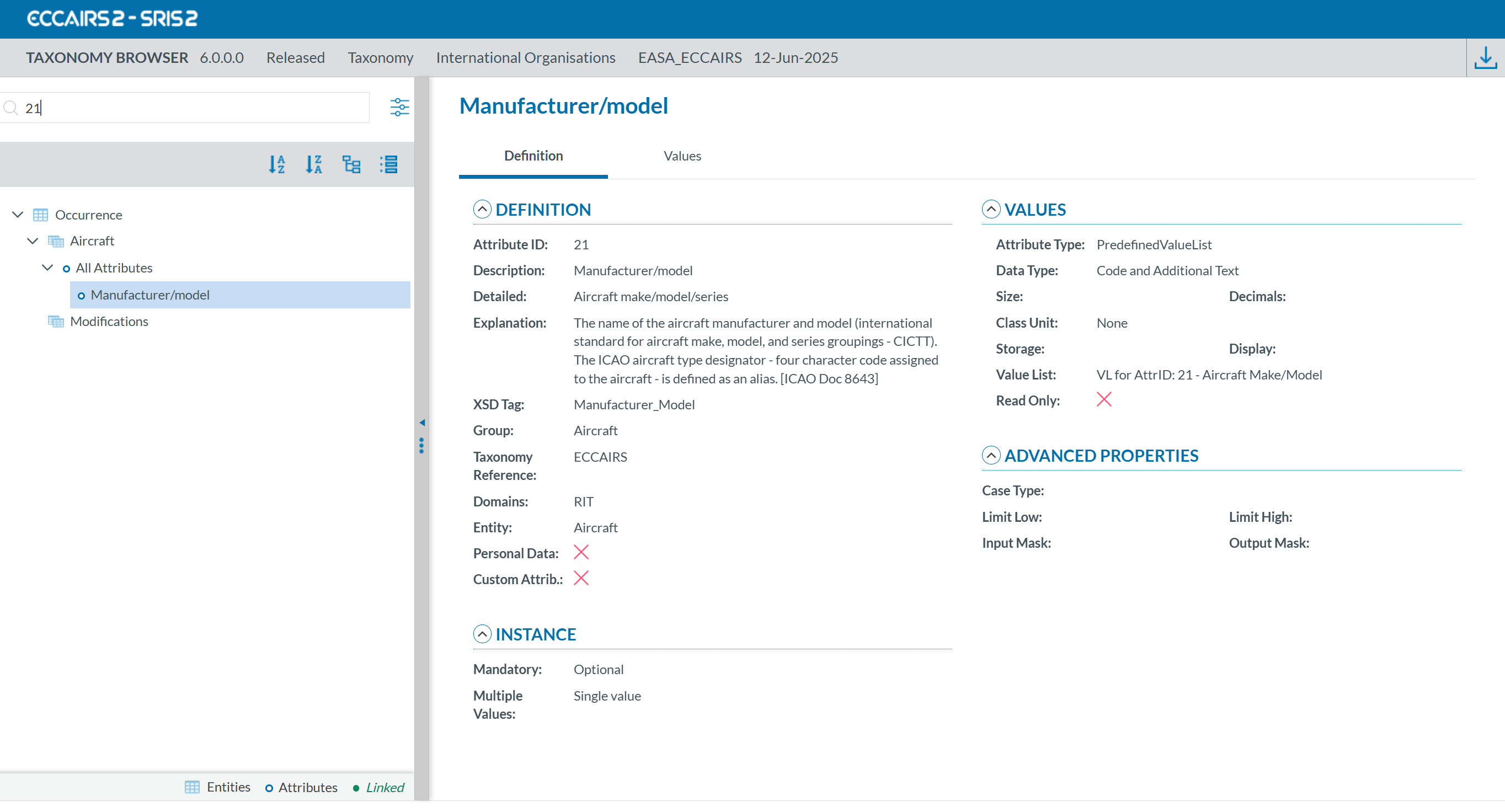
Entities and attributes can be found by entering the taxonomy code or description in the search box located at the top left.
For example, if you search by Taxonomy Code using '21':
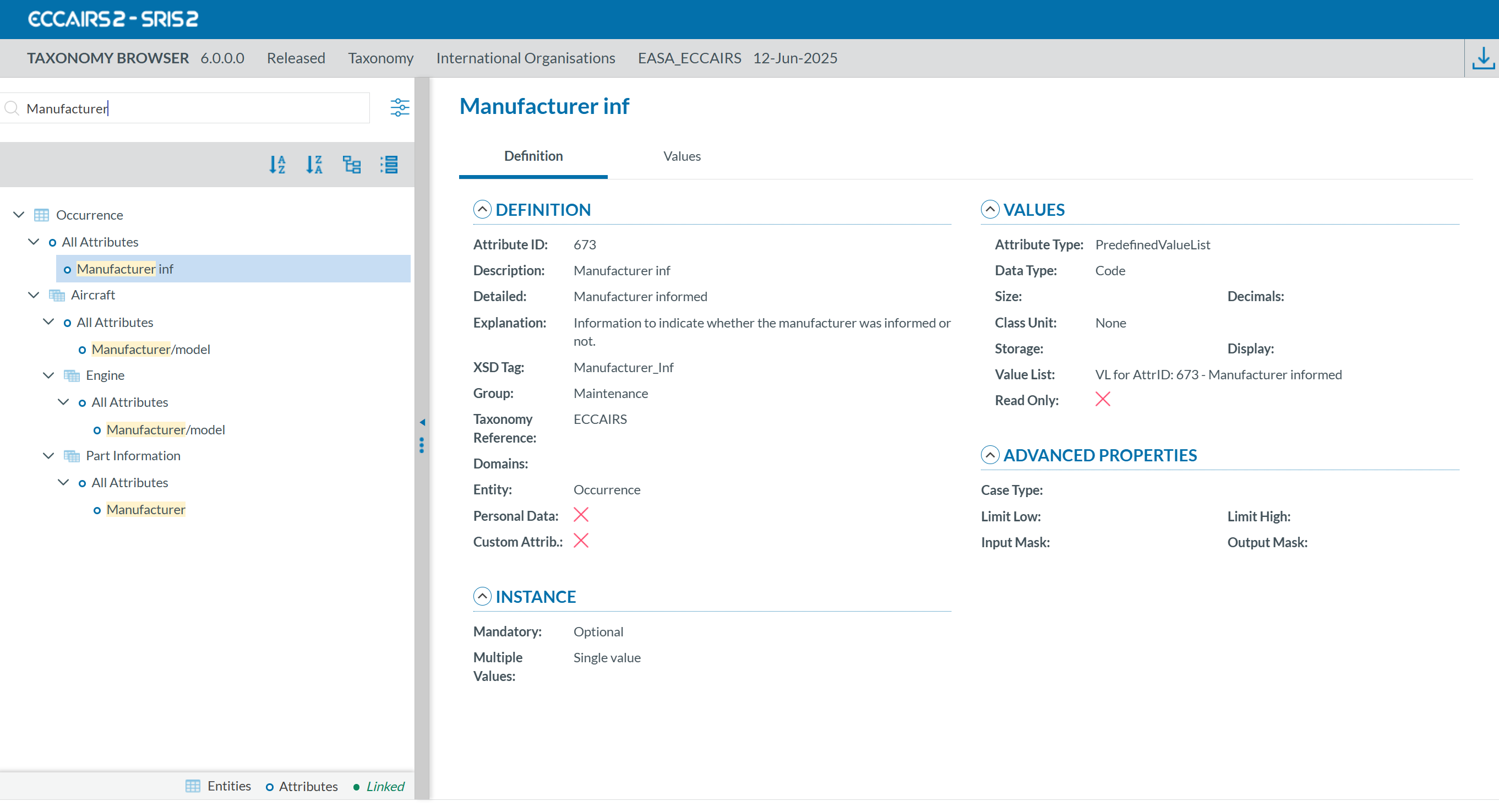
If you search by description using 'Manufacturer':
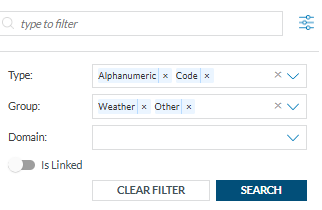
If you click on the 'Filter' button: , a layer with more filters will be displayed.
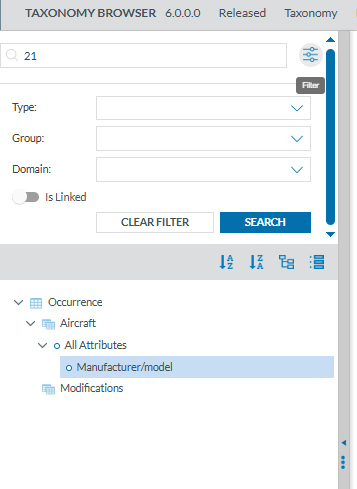
For each filter you can select one or more values. When you have finished click on 'SEARCH' to refresh the tree with your filters.
The Taxonomy Tree can be ordered alphabetically by clicking on the 'A-Z' icon or 'Z-A' icon :

You can collapse or expand all item of the Taxonomy Tree with the following buttons:
- Expand all

- Collapse all


When an entity is a Linked Entity, it is highlighted in green in the Taxonomy Tree with the toggle switch: