1.2. Accessing ECCAIRS2
Follow these steps to access the Reporting Portal to Report an Occurrence:
- Go to E2 Central Hub homepage.
- Click on the 'Report an Occurrence' banner.

You will be redirected to the Reporting Portal homepage.
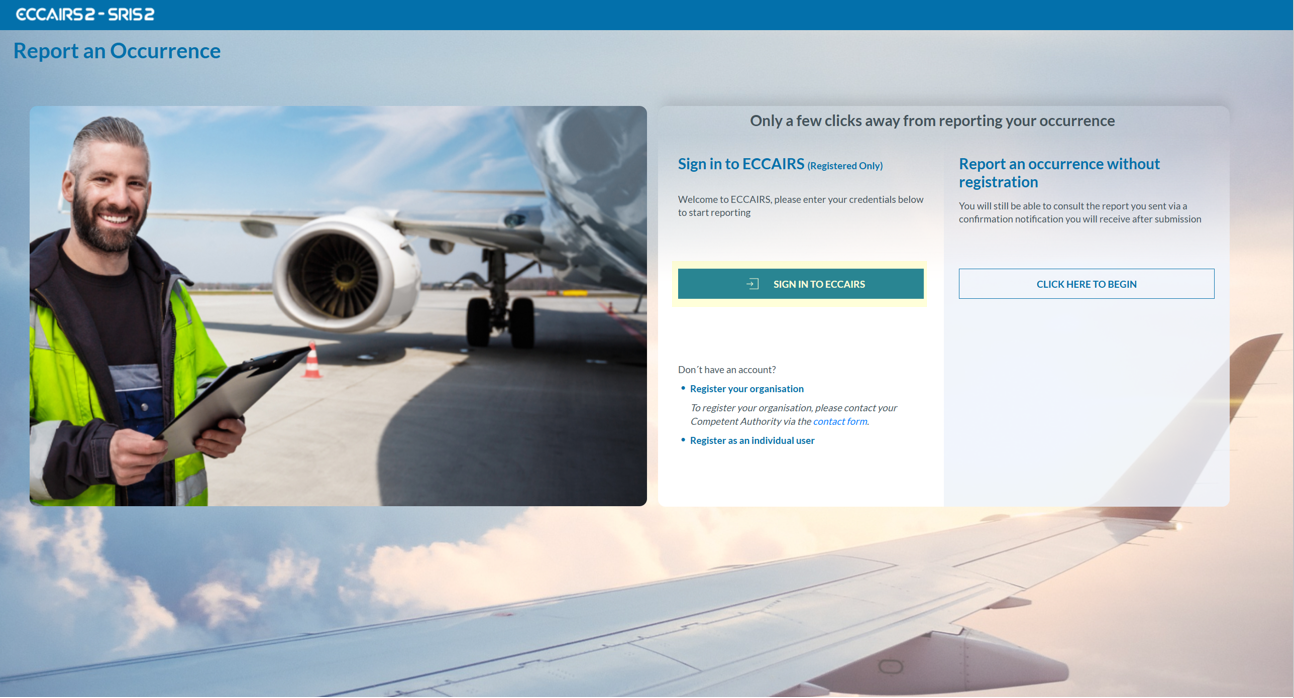
You can access the ECCAIRS 2 Web Application the by clicking on 'SIGN IN TO ECCAIRS'.
If you do not yet have an account, contact your Authority administrator to create a new one.